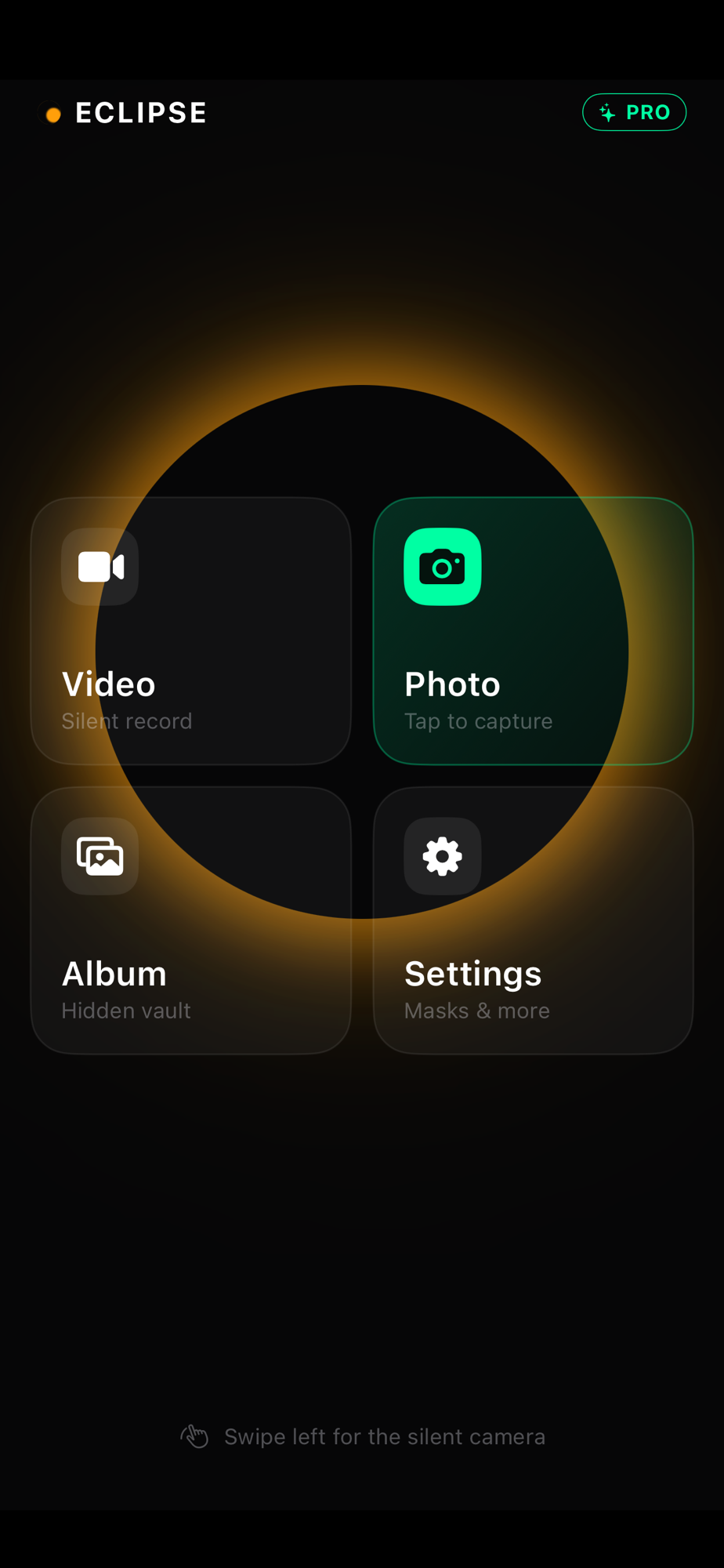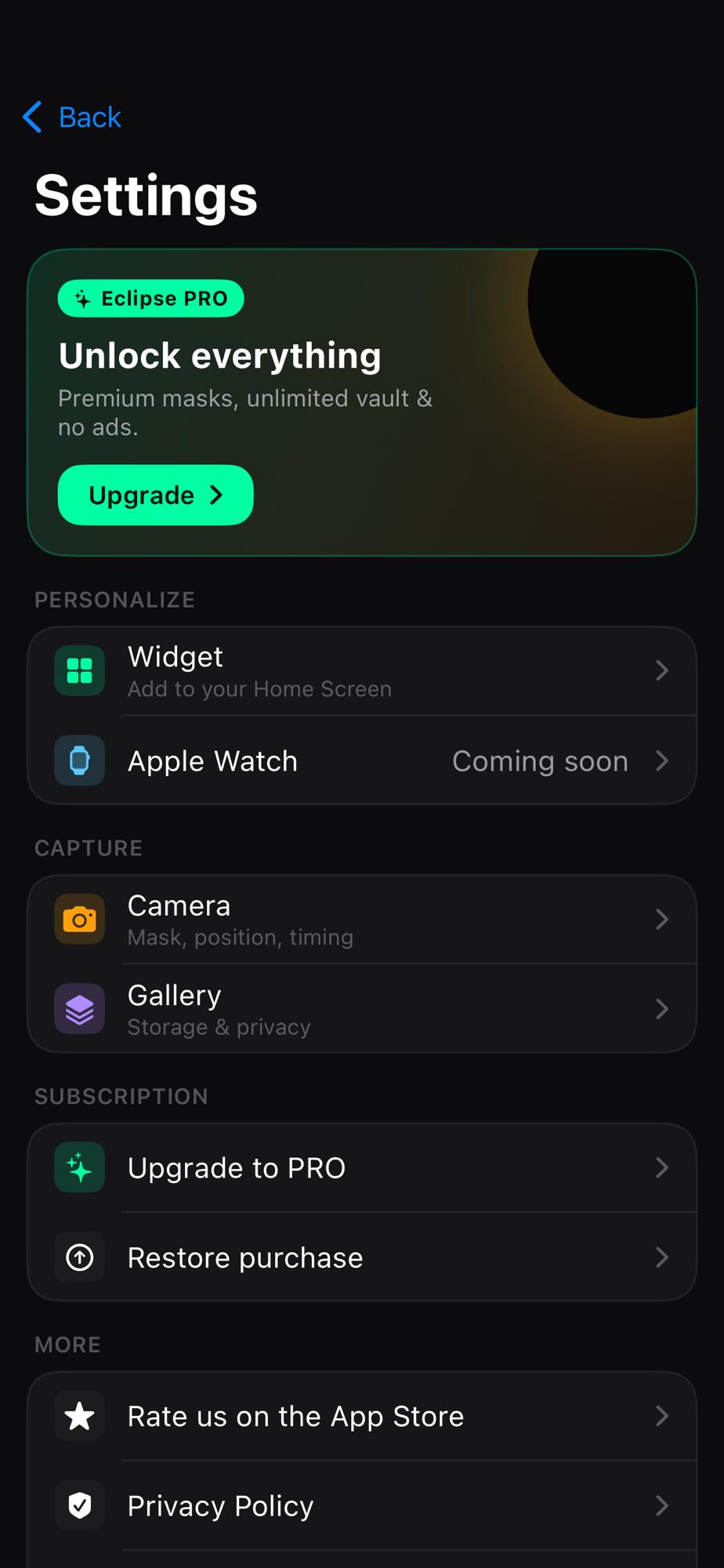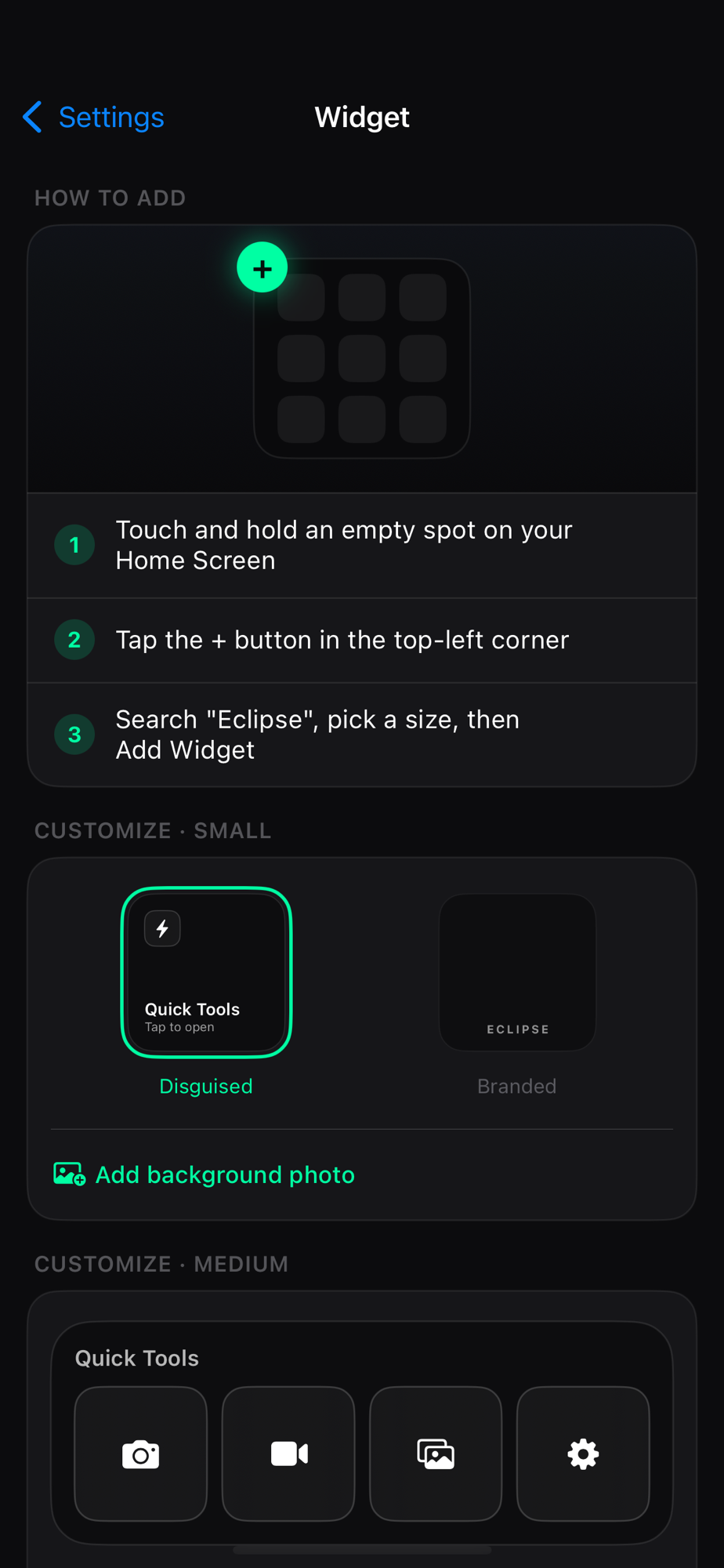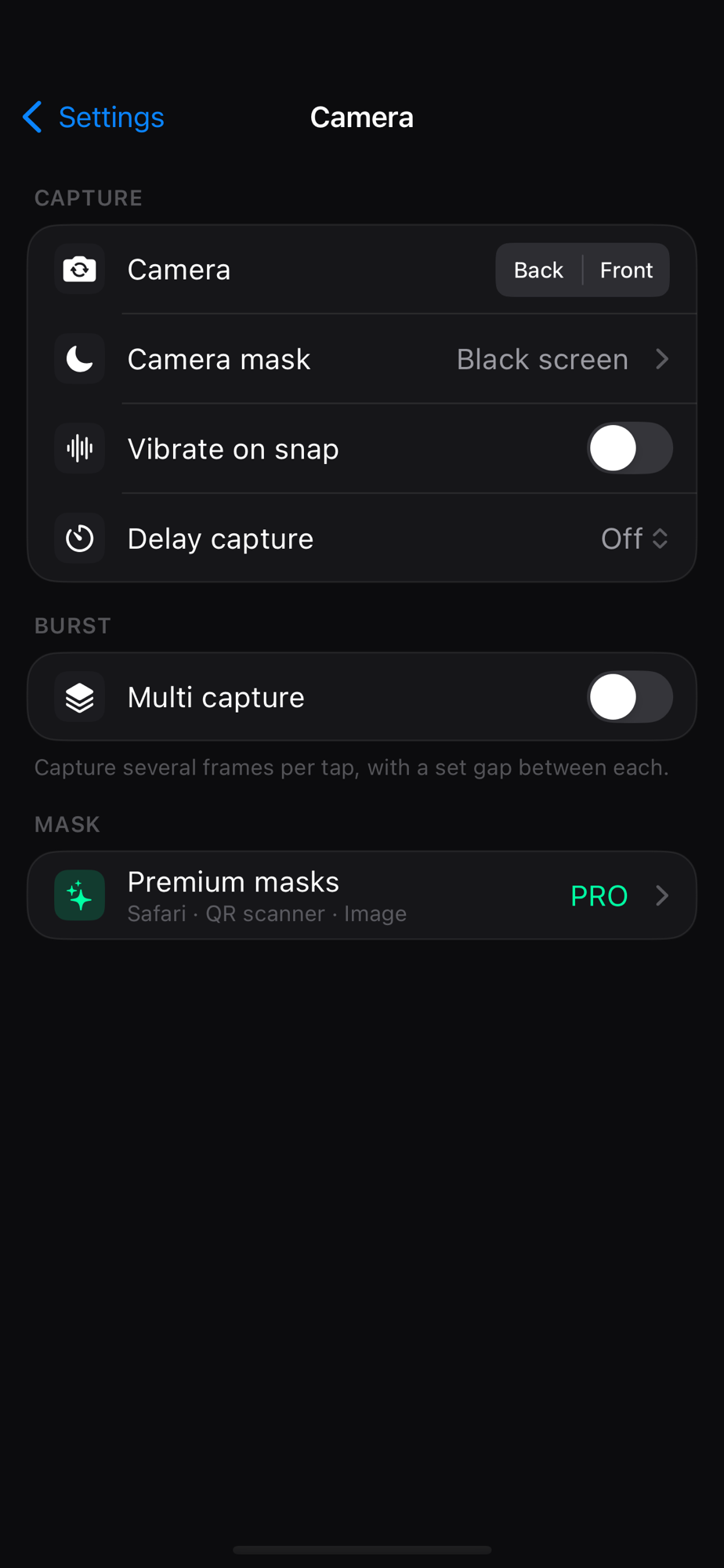
Eclipse: In-app Album
Capture without lighting up the room.
Every camera feature is free: 4K at whatever frame rate your iPhone can actually hit, burst and timed capture, Live Photo, and audio-only recording. Optional haptic confirmation instead of a shutter sound.
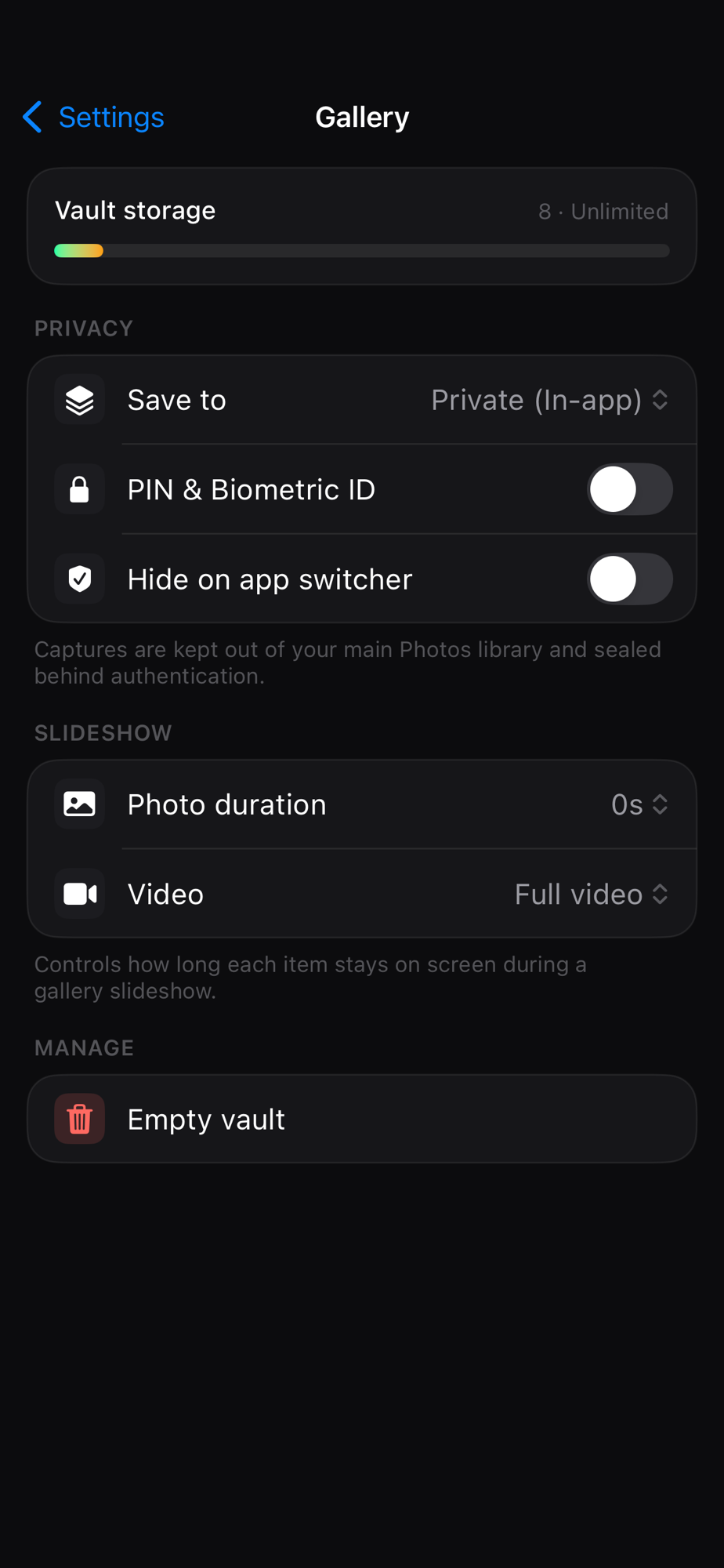
Captures land in a private album inside Eclipse, behind Face ID — not in your camera roll. There is no account, no cloud album and no upload. Nothing leaves your phone until you choose to export it.
Eclipse is our best-selling app and still under active development after four years. The full feature breakdown lives on its own site, the iPhone hidden camera app guide.

Point your camera here to grab it on the App Store.
What it does
Turn your iPhone into a hidden camera
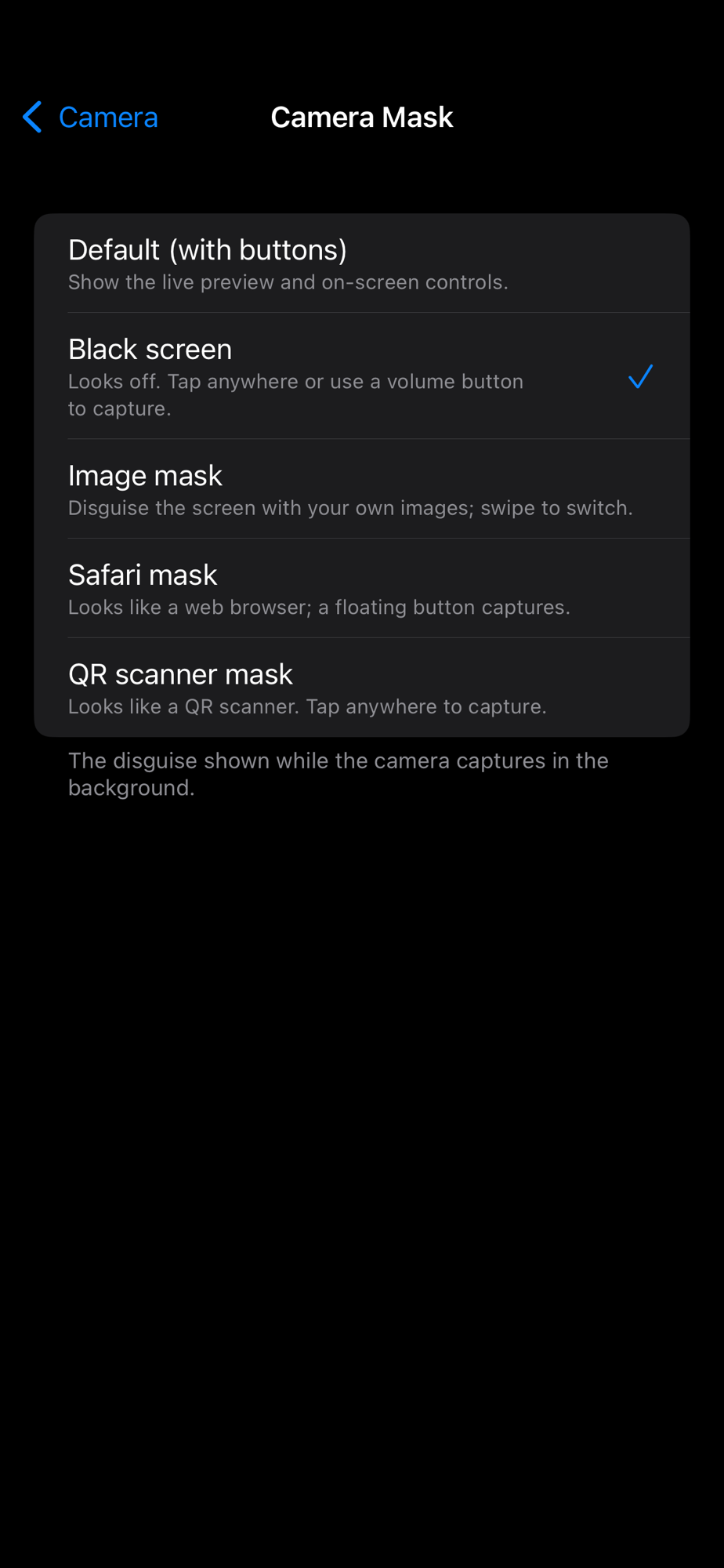
Record photo, video and audio while the screen shows something ordinary. Five disguises — a black screen, your own image, a Safari page, a QR scanner, or the normal live preview.
One tap from the Home Screen
A widget opens straight into a capture mode, so you are shooting before anyone notices you reached for the phone. Lock Screen widgets, Control Center and the Apple Watch app open the same modes.
Three ways to fire the shutter
Tap anywhere on the screen, press a volume button, or fire from your Apple Watch — so the phone can sit flat on a table or stay in your pocket.
A peek inside
Swipe through the app.